
Photos and links
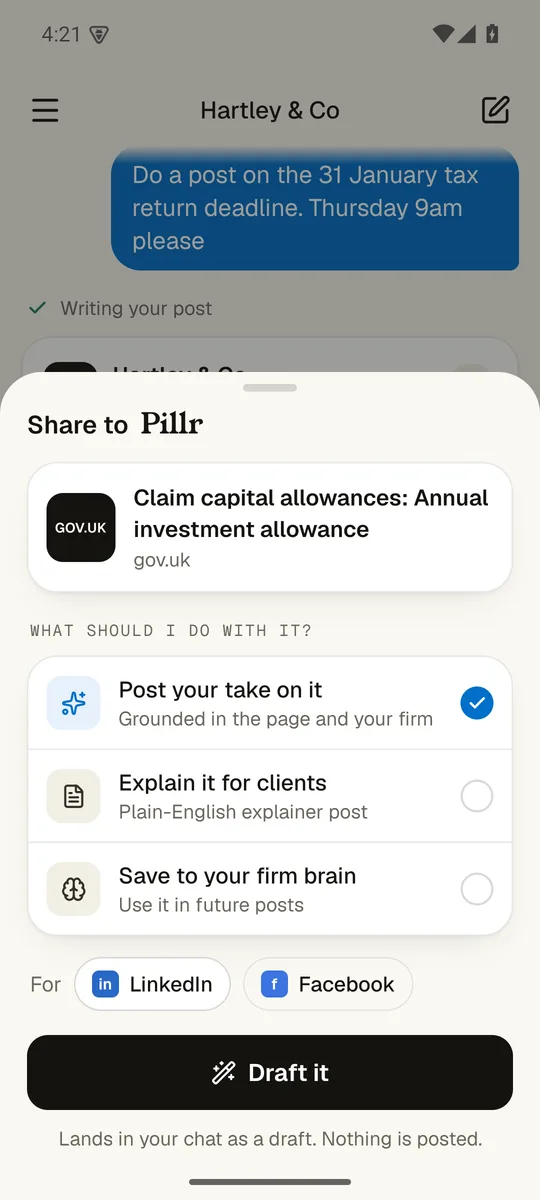
I just read something on gov.uk. Can I turn it into a post?
- Share from any app
- Your photo, your post
- Lands as a draft
Reading the page
Share it to me from your browser. I read the page, draft your firm's take on it, and leave it in your chat. A photo works the same way.
Everything in the appWalk me through it.
1. Share from any app
Pillr sits in your phone's share sheet. Pick post your take, explain it for clients, or save it for later.
3. Lands as a draft
Everything arrives in your chat as a draft. Nothing is posted.
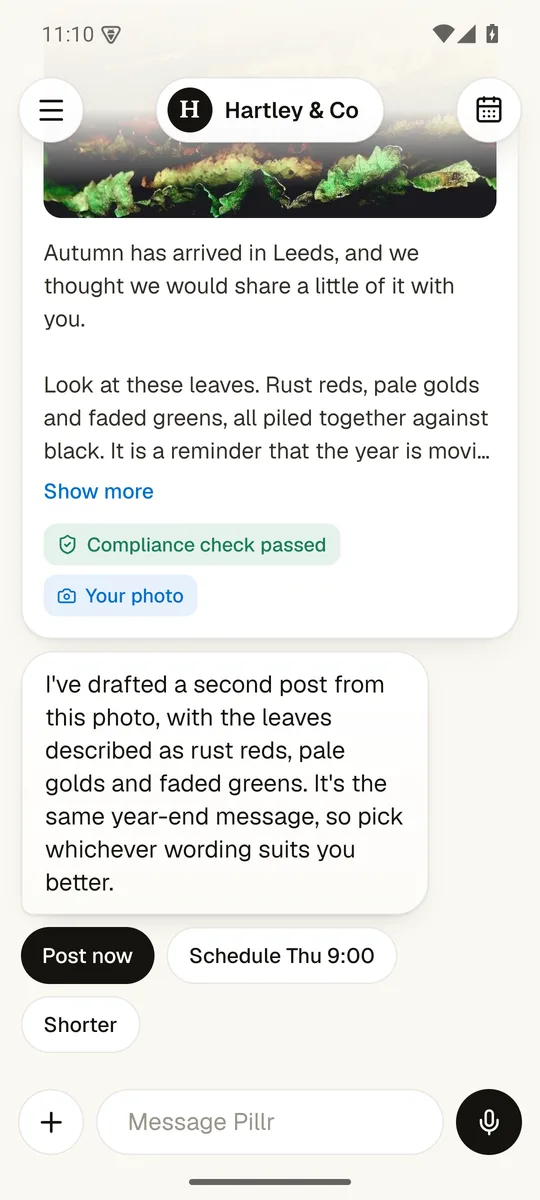
2. Your photo, your post
Take a picture in the chat, add a line, and the draft is built around it.
What else can it do?
Does anything go out without me?
Nothing goes out until you tap.
The app drafts, checks and lines things up. Only you can press the button that posts.
Screens show Hartley & Co, a made-up demo firm.